> ## Documentation Index
> Fetch the complete documentation index at: https://docs.vexed.cc/llms.txt
> Use this file to discover all available pages before exploring further.
# Reset HWID
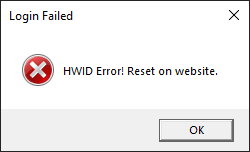
> Typically, the software only supports 1 account per PC. If you switch computers to use the software, you must reset your HWID. Additionally, if you upgrade components inside your PC or use a HWID spoofer, a HWID reset is also required.
 # How to restore access
If you attempt to reset your HWID within 12 hours of active usage, a HWID reset service fee will be charged immediately!
> 1. Go to the website [https://vexed.cc](https://vexed.cc) and log in to your account.
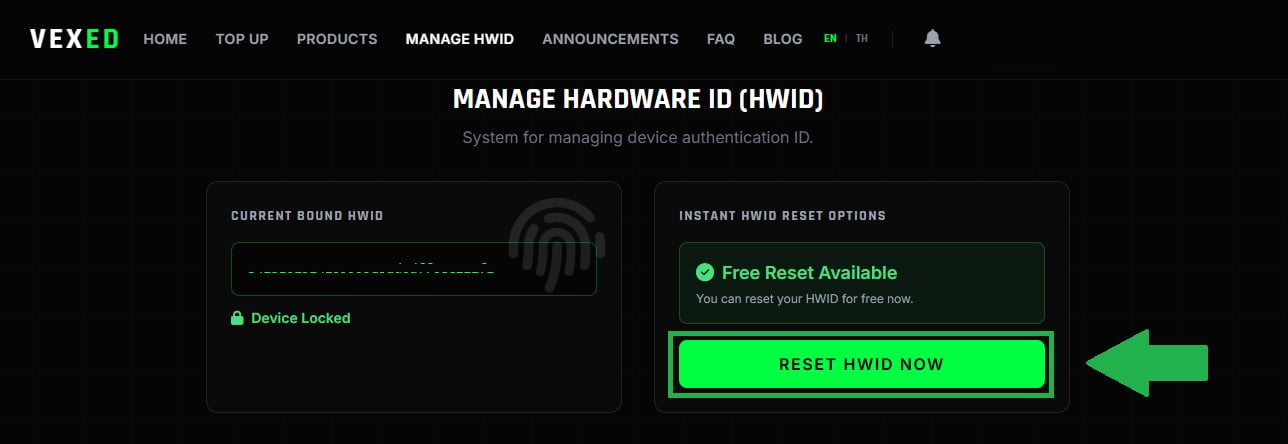
> 2. Navigate to the [Manage HWID](https://vexed.cc/hwid) page, then click the **Reset** button.
# How to restore access
If you attempt to reset your HWID within 12 hours of active usage, a HWID reset service fee will be charged immediately!
> 1. Go to the website [https://vexed.cc](https://vexed.cc) and log in to your account.
> 2. Navigate to the [Manage HWID](https://vexed.cc/hwid) page, then click the **Reset** button.